Is Your Graphics Card Holding You Back? 4 Clear Signs It's Time for an Upgrade
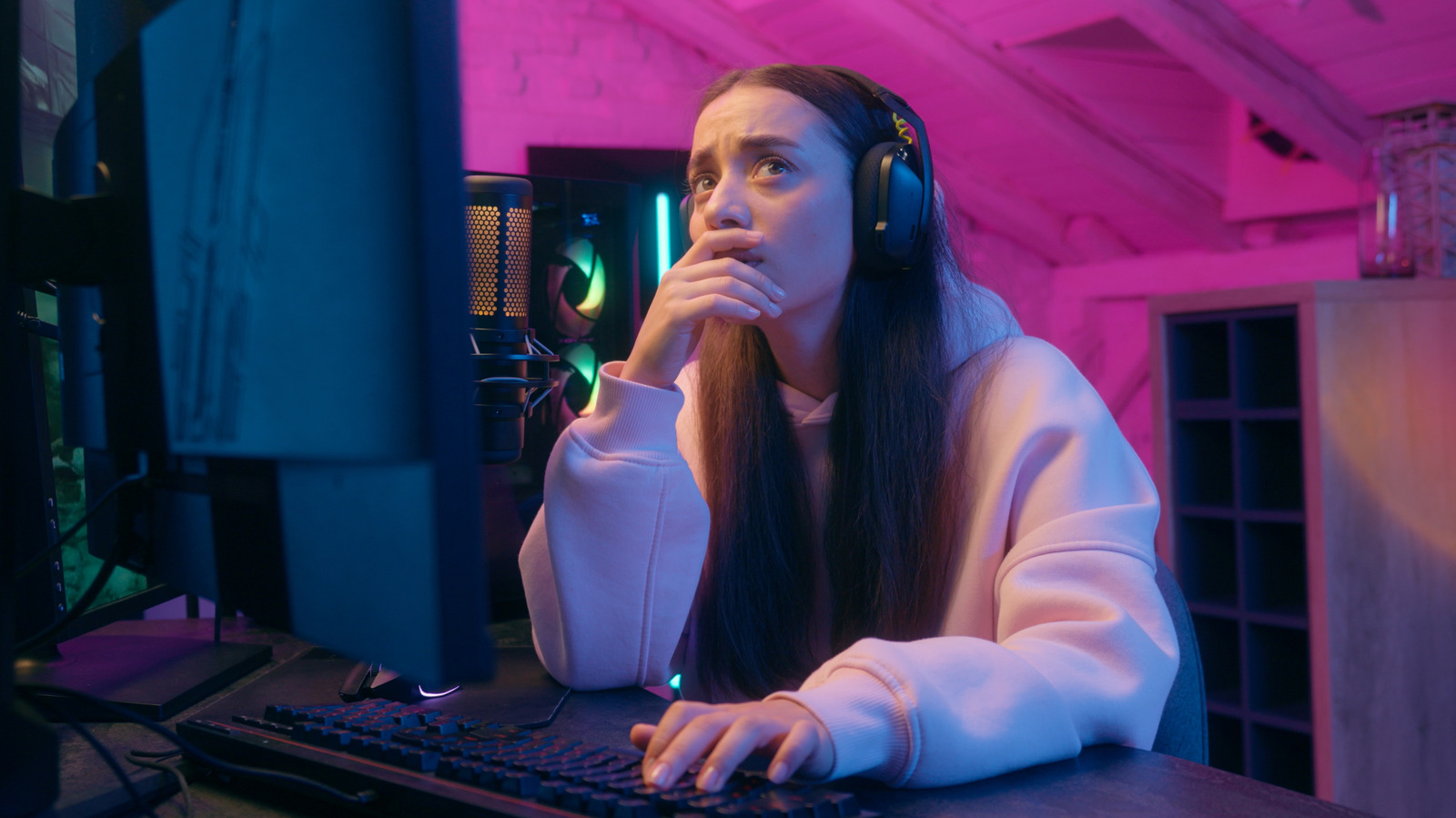
As any serious gamer knows, the world of computer hardware is constantly evolving. New technologies and innovations are being developed all the time, and what was once considered state-of-the-art can quickly become outdated. One of the most critical components of a gaming PC is the graphics card, also known as the GPU. A high-quality GPU can make all the difference in the gaming experience, providing smooth, seamless gameplay and stunning visuals. However, if your GPU is no longer up to the task, it can be a major hindrance to your enjoyment of the latest games.
So, how do you know when it's time to replace your graphics card? The answer isn't always obvious. Sometimes, the signs are subtle, and it takes a keen eye to recognize them. In this article, we'll explore four clear signs that indicate it's time to upgrade your GPU. Whether you're a casual gamer or a hardcore enthusiast, understanding these signs can help you make an informed decision about when to upgrade your hardware and take your gaming to the next level.
One of the most obvious signs that it's time to replace your graphics card is its age. While a GPU can technically last for about a decade before it fails completely, its performance and capability to play modern games will typically diminish after about five years. However, it's not necessary to wait that long to start thinking about an upgrade. If your GPU is over three years old, it's a good idea to start exploring your options. This gives you time to research the latest models, read reviews, and compare prices. It's also important to consider the iteration rhythm of many graphics card brands, which typically release new versions every two years.
Another sign that your graphics card may be on its way out is a significant increase in noise from the fans. While it's normal for a GPU's fans to make some noise during gaming, a sudden or dramatic increase in noise can be a cause for concern. To determine if the noise is coming from the graphics card, try checking the fans to make sure they're running properly. If they are, try cleaning out any dust that may be affecting performance. If the noise persists, it may be a sign that the GPU is struggling to keep up with the demands of modern games.
In addition to age and noise, there are other signs that may indicate it's time to replace your graphics card. For example, if you notice a significant decrease in performance or a decrease in the quality of the graphics, it may be time to consider an upgrade. Similarly, if you're experiencing crashes or other stability issues, it could be a sign that the GPU is no longer capable of handling the demands of modern games. By being aware of these signs and taking the time to research your options, you can make an informed decision about when to upgrade your GPU and take your gaming to the next level.
When it comes to replacing your graphics card, there are a few things to keep in mind. First, be sure to do your research and read reviews from reputable sources. This will help you find the best GPU for your needs and budget. You should also consider the power supply and other components of your PC to ensure they're compatible with the new GPU. Finally, think about ways to repurpose your old graphics card, such as using it in a secondary PC or donating it to a friend or family member. By taking the time to consider these factors, you can ensure a smooth and successful upgrade and enjoy the best possible gaming experience.
In conclusion, knowing when to replace your graphics card can be a challenge, but by being aware of the signs and taking the time to research your options, you can make an informed decision about when to upgrade your hardware. Whether you're a casual gamer or a hardcore enthusiast, a high-quality GPU is essential for a seamless and enjoyable gaming experience. By staying up-to-date with the latest technologies and innovations, you can take your gaming to the next level and enjoy the best possible experience.
Summary Points
Your GPU is over three years old and may no longer be capable of handling the demands of modern games
You notice a significant increase in noise from the fans, which can be a sign of a struggling GPU
You experience a significant decrease in performance or a decrease in the quality of the graphics
You're experiencing crashes or other stability issues, which can be a sign of a failing GPU
You want to take advantage of the latest technologies and innovations in the world of computer hardware