The Great Restart Debate: How Often Should You Reboot Your PC for Optimal Performance?
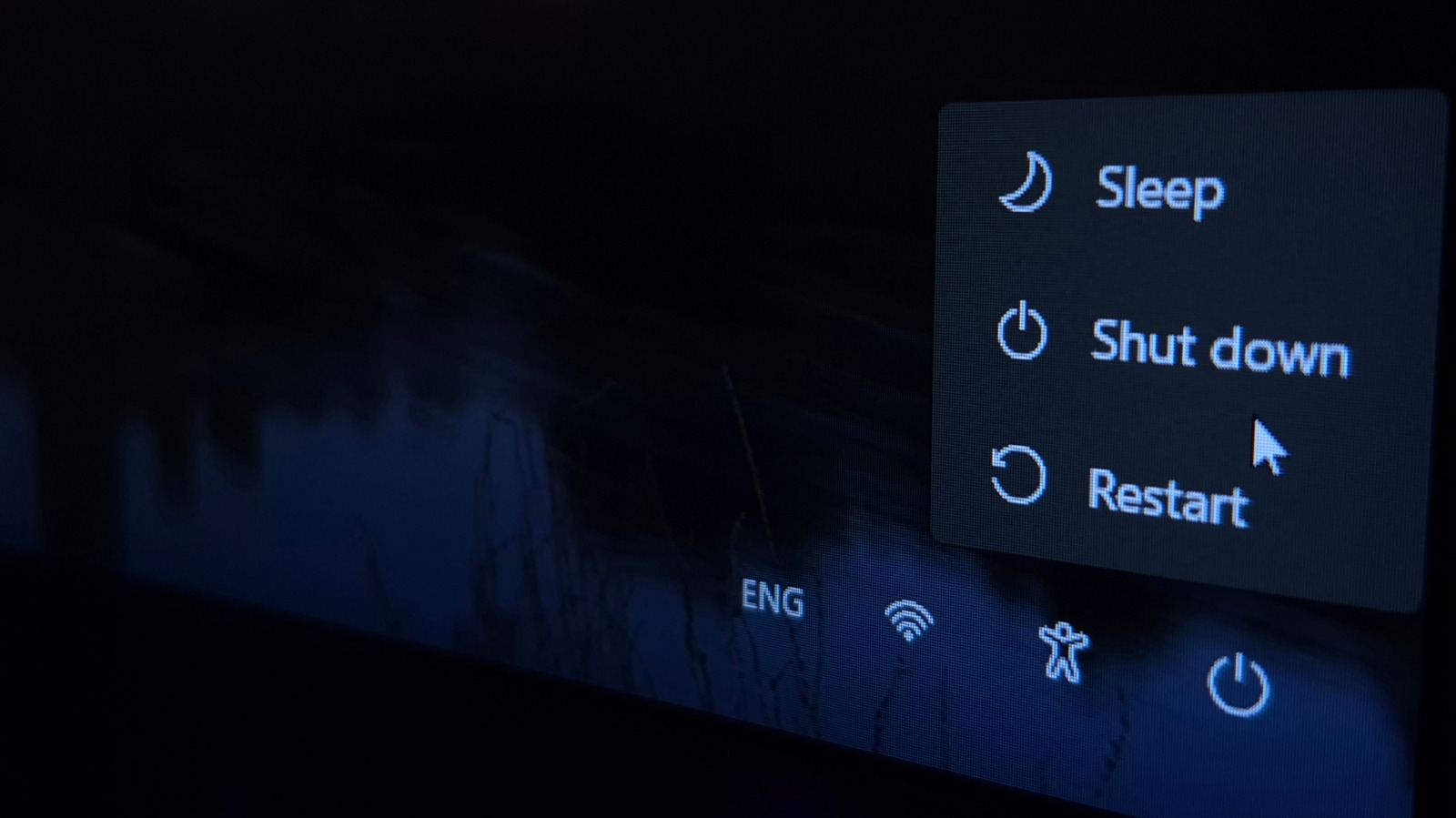
When it comes to computer maintenance, one of the most debated topics is how often you should restart your PC. In the past, old operating systems weren't designed to run for extended periods without shutting down, and it was common to notice a significant slowdown if you hadn't restarted your computer in a while. Programs would take longer to load, and software would become progressively unresponsive due to memory leaks, which occur when programs fail to free up unused memory.
However, modern operating systems have improved significantly, and it's now more common to put your PC to sleep or into hibernation to avoid the hassle of constantly restarting. Despite this, the question remains: how often should you restart your PC? The general consensus among users is that you should restart your computer at least once a week, with some suggesting that heavy users should restart their computer at the end of each day.
For light users, the need to restart may be less frequent, but it's still essential for performance optimization and security. Restarting your PC is considered one of the best ways to speed up your computer, especially when it starts to feel sluggish. By doing so, you'll free up temporary memory, refresh network and hardware connections, and give your computer a fresh start. This is particularly useful if you run memory-intensive apps, such as web browsers, video editing software, and 3D design programs.
A look at online forums and discussions reveals a range of opinions on the matter. Some users suggest that rebooting once a week is optimal, especially when updates are available. Updates often bring the latest features, performance improvements, and security patches, making them an essential part of maintaining your PC. Others recommend shutting down your computer if it won't be used for an extended period, such as over the weekend. For laptop users, shutting down the computer may be preferable to sleep mode, as it still consumes power when in sleep mode.
Interestingly, some users suggest that very low-end PCs should be shut down every day, while those capable of running heavy games may not need to be restarted at all. This highlights the importance of considering your computer's specifications and usage patterns when determining how often to restart. Ultimately, the key is to find a balance between performance optimization and convenience.
It's worth noting that restarting your PC can also help resolve issues such as slow performance, freezes, and crashes. By restarting your computer, you'll be able to identify and address any problems before they become more severe. Additionally, restarting your PC can help improve your overall computing experience by ensuring that your system is running smoothly and efficiently.
In conclusion, while there's no one-size-fits-all answer to the question of how often to restart your PC, the general consensus is that restarting your computer at least once a week is a good rule of thumb. By doing so, you'll be able to maintain your PC's performance, security, and overall health. Whether you're a heavy user or a light user, it's essential to find a restart schedule that works for you and your computer.
Summary Points
Restarting your PC at least once a week can help free up temporary memory and refresh network and hardware connections
Heavy users may need to restart their computer more frequently, such as at the end of each day
Light users may not need to restart their computer as often, but it's still essential for performance optimization and security
Restarting your PC can help resolve issues such as slow performance, freezes, and crashes
Considering your computer's specifications and usage patterns is crucial when determining how often to restart
