Warning to iPhone Users: Sophisticated Phishing Scam Targets Lost and Stolen Devices
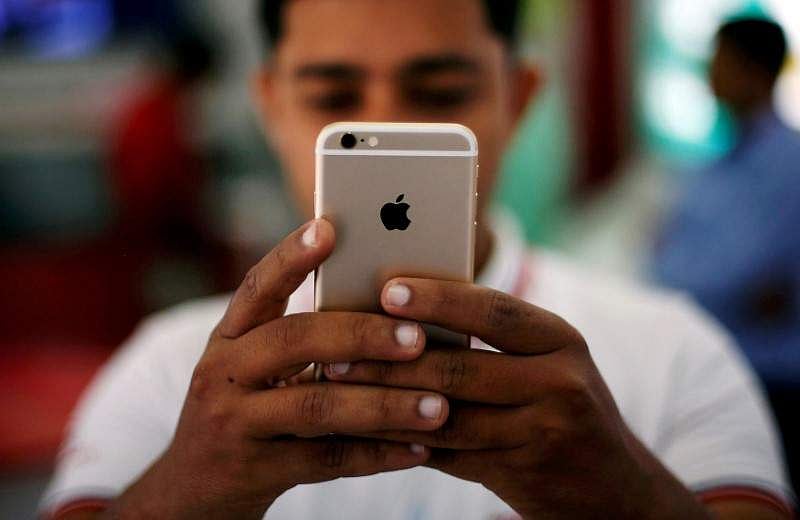
In a disturbing development, the Indian Cyber Crime Coordination Centre (I4C) under the Union Ministry of Home Affairs (MHA) has issued a nationwide advisory warning iPhone users about a complex cyber fraud campaign that targets devices reported lost or stolen. The scam, described as a "hybrid cybercrime", combines physical theft with advanced phishing techniques to gain unauthorized access to victims' iCloud accounts.
According to the advisory, cybercriminals are specifically targeting individuals who have recently lost their iPhones, taking advantage of the anxiety and urgency associated with recovering their devices. Fraudsters send SMS messages impersonating Apple Support or the "Find My iPhone" service, claiming that the missing device has been located or switched off. The messages typically urge recipients to take immediate action by clicking on embedded links, which redirect users to counterfeit websites that closely mimic Apple or iCloud login pages.
Victims are then prompted to enter their Apple ID credentials, followed by one-time passwords (OTPs) or two-factor authentication codes sent by Apple. Once these details are obtained, attackers can gain full access to the victim's iCloud account. The advisory warns that criminals subsequently remove the Apple ID associated with the stolen device, disable the "Find My iPhone" feature, and bypass key security protections. This allows the stolen handset to be resold or reused without restrictions while leaving victims vulnerable to the loss of personal data, financial information, and control over their Apple accounts.
The I4C has described the operation as a new and evolving threat, urging users to remain vigilant and avoid clicking on suspicious links received through SMS, particularly messages originating from unknown or international numbers. Authorities have advised users to verify website URLs carefully before entering login credentials and to keep two-factor authentication enabled. The use of strong passwords and ensuring that "Find My iPhone" remains active at all times were also recommended.
The warning comes amid a surge in phishing attacks and online financial fraud cases across the country, prompting authorities to intensify public awareness efforts and strengthen digital safety measures. To protect themselves, users can block their devices through the CEIR portal and report phishing attempts immediately through the national cybercrime portal or helpline 1930. It is essential for iPhone users to be cautious when receiving SMS messages claiming to be from Apple Support or the "Find My iPhone" service, and to never click on links from unknown sources.
In recent years, phishing scams have become increasingly sophisticated, with cybercriminals using advanced tactics to trick victims into divulging sensitive information. The use of social engineering techniques, such as impersonating well-known companies or services, has become a common practice among scammers. It is crucial for users to be aware of these tactics and to take necessary precautions to protect their personal data and financial information.
The I4C's advisory serves as a reminder of the importance of digital safety and the need for users to remain vigilant when using their devices. By being cautious and taking necessary precautions, iPhone users can protect themselves from falling victim to these sophisticated phishing scams. As the threat landscape continues to evolve, it is essential for users to stay informed and up-to-date on the latest phishing tactics and techniques used by cybercriminals.
Summary Points
Be cautious when receiving SMS messages claiming to be from Apple Support or the "Find My iPhone" service
Never click on links from unknown sources
Verify website URLs carefully before entering login credentials
Keep two-factor authentication enabled
Use strong passwords and ensure that "Find My iPhone" remains active at all times