Protect Your PlayStation 5: Expert Tips to Prevent Overheating and Ensure Long-Term Performance
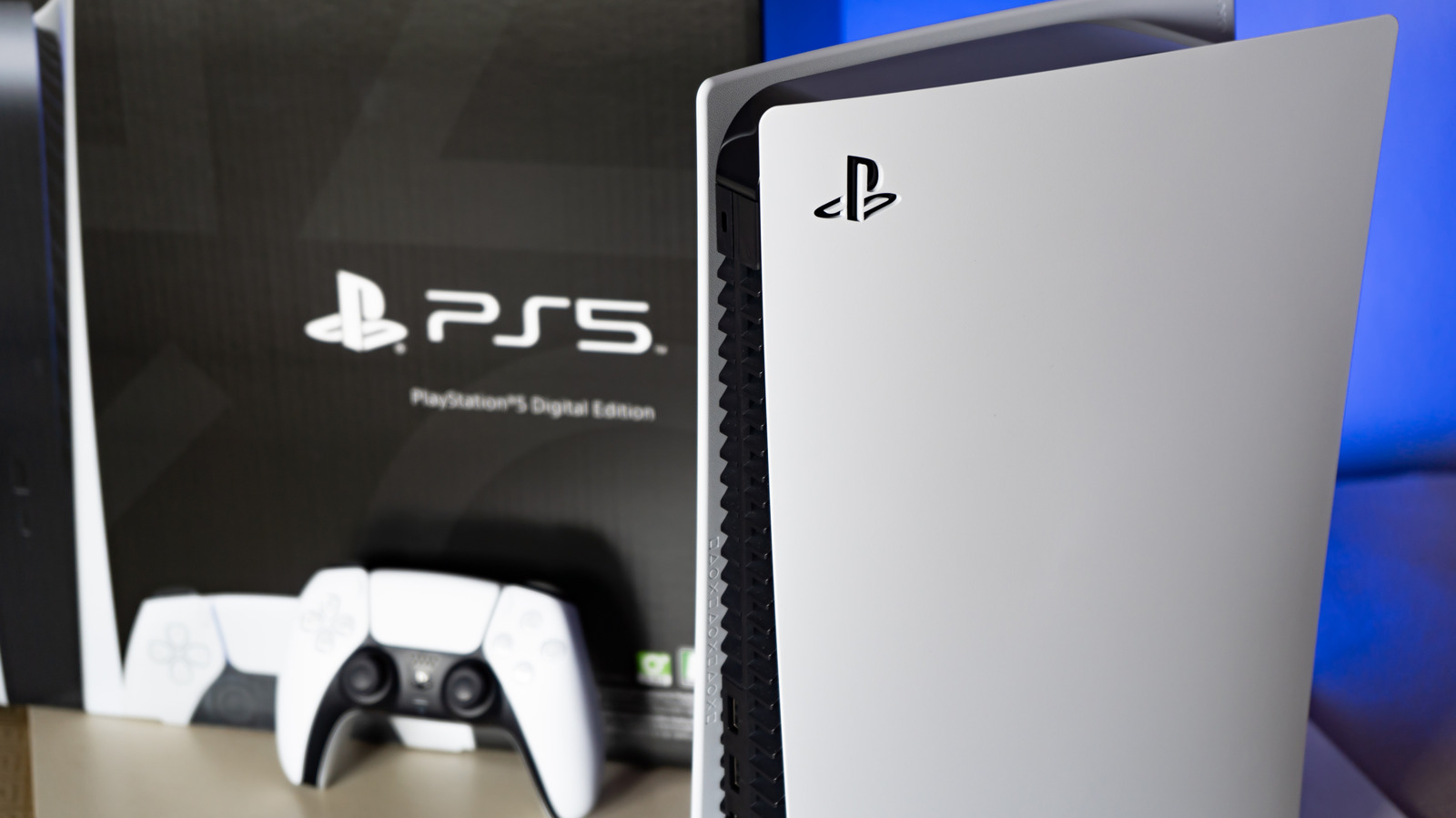
The PlayStation 5 has been a revolutionary gaming console since its release, offering unparalleled performance and immersive gaming experiences. However, like any complex electronic device, it's not immune to issues such as overheating, which can lead to spontaneous shutdowns, lost progress, and even permanent damage. In this article, we'll delve into the causes of PS5 overheating and provide you with expert tips on how to prevent it, ensuring your console runs smoothly and efficiently for years to come.
Understanding how the PS5 cools itself is essential to preventing overheating. The console relies on a constant flow of air to cool its hottest components, including the Accelerated Processing Unit (APU). This becomes a problem when the console is placed in areas with limited space, such as entertainment centers or under desks, where other hot devices are also located. To avoid this, it's crucial to place your PS5 in a well-ventilated area, with at least 10 cm (about 4 inches) of space on each side, as recommended by Sony. This allows for sufficient airflow to enter and exit the console, preventing overheating.
Another common cause of overheating is dust buildup, which can occur when the console is placed in low-lying areas where dust settles or in nooks with little air movement. Dust acts as an insulator, trapping heat within the system, and blocks exhaust vents, preventing airflow. To prevent dust buildup, it's essential to regularly clean your PS5 using compressed air, and for more severe cases, opening up the console for a deep cleaning. Additionally, don't forget to give your controller a thorough cleaning to prevent dust and dirt from accumulating.
In some cases, overheating issues may be caused by less common problems, such as adding third-party storage without proper cooling. Some users have reported that adding SSDs without built-in heat sinks can lead to consistent overheating. If you've recently added an SSD and are experiencing overheating issues, it may be necessary to remove it or replace it with a drive that has a radiator and vented aluminum and thermal padding. It's essential to ensure that any additional storage devices are properly cooled to prevent overheating and damage to your console.
To further prevent overheating, it's essential to monitor your PS5's performance and adjust its placement and cleaning schedule accordingly. Regularly checking your console's temperature and adjusting its position to ensure optimal airflow can help prevent overheating. Additionally, keeping your PS5 up to date with the latest software updates can help improve its cooling performance and overall stability.
In conclusion, preventing overheating on your PS5 is crucial to ensuring its long-term performance and preventing damage. By following the tips outlined in this article, you can help prevent overheating and keep your console running smoothly and efficiently. Remember to place your PS5 in a well-ventilated area, clean it regularly, and monitor its performance to prevent overheating and ensure years of immersive gaming experiences.
Summary Points
Place your PS5 in a well-ventilated area with at least 10 cm of space on each side to ensure proper airflow.
Regularly clean your PS5 using compressed air to prevent dust buildup.
Avoid placing your PS5 in low-lying areas where dust settles or in nooks with little air movement.
Ensure any additional storage devices are properly cooled to prevent overheating.
Monitor your PS5's performance and adjust its placement and cleaning schedule accordingly to prevent overheating.
