The Ultimate Solution to the USB Paradox: A Simple Trick to Identify the Correct Orientation
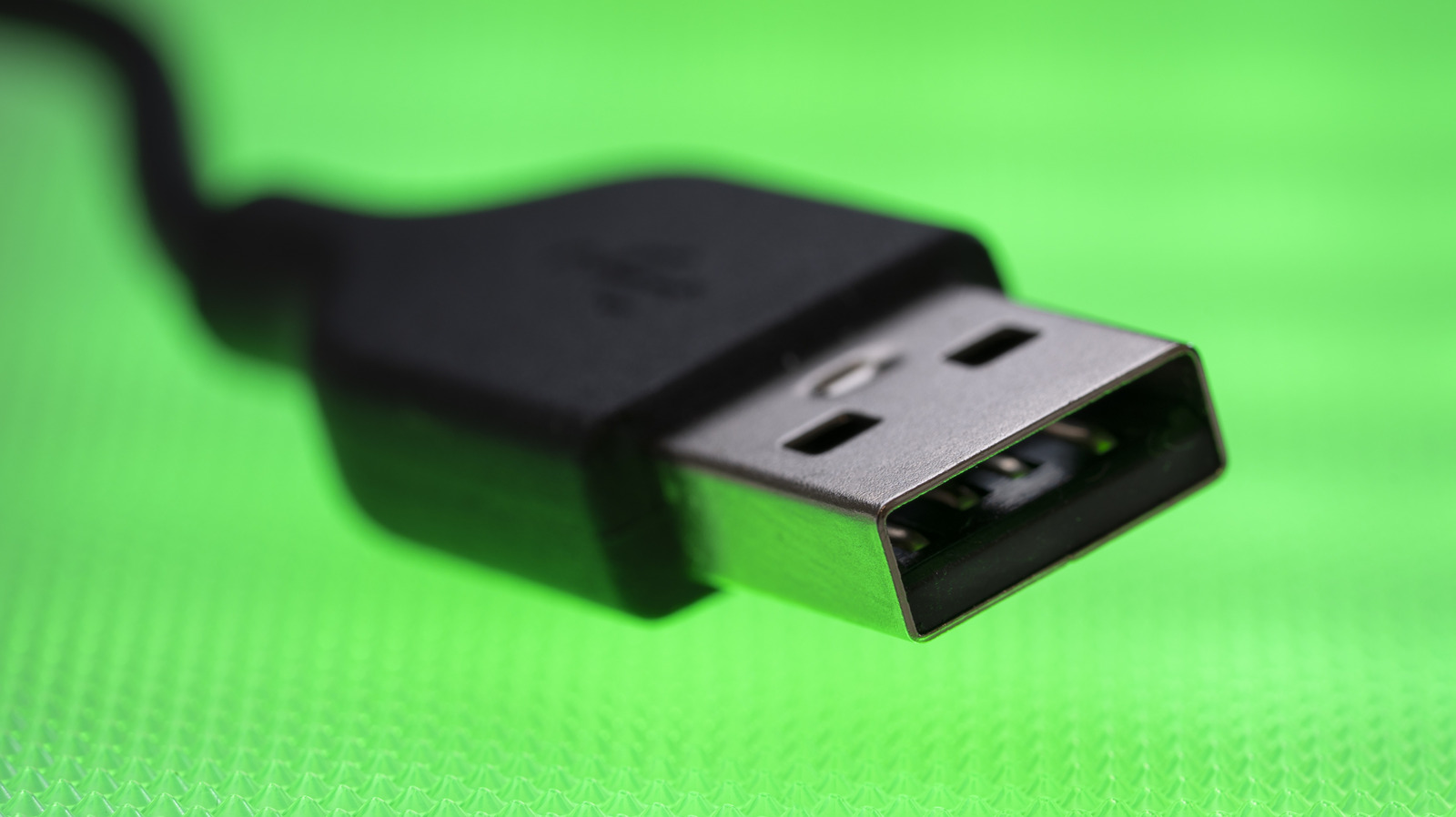
The Universal Serial Bus (USB) has become an integral part of our daily lives, connecting devices, transferring data, and powering gadgets. However, one of the most frustrating aspects of using USB devices is figuring out which side of the connector faces up. This conundrum, often referred to as the USB paradox, can lead to wasted time and unnecessary frustration. But worry no more, as we have a simple trick to help you identify the correct orientation of your USB-A connector.
At first glance, both sides of a USB-A connector may appear symmetrical and identical, but they are not the same. Upon closer inspection, you will notice that one side has a slight zigzag seam on the outside and a plastic plate on the inside. This distinction is crucial, as it indicates the bottom side of the connector. The side that is perfectly smooth, on the other hand, is the top side. This simple observation can save you a couple of seconds every time you connect a USB-A device.
To further simplify the process, many manufacturers print the USB logo on the top side of the connector. Some even mold it into the plastic casing. Although the official USB specifications require manufacturers to print the USB logo, not all devices adhere to this standard. Nevertheless, if your device has the logo, you can easily determine which side faces up. When plugging in, simply hold the device such that the top side faces upwards. For vertical ports, the side with the seam should face left.
The history of USB dates back to the 1990s, when a group of seven companies, including Intel, Microsoft, and IBM, formed the USB Implementers Forum (USB-IF) to develop a universal standard for connecting devices. The first USB specification, released in 1996, supported data transfer rates of up to 1.5 megabits per second (Mbps). Since then, the technology has evolved significantly, with the latest USB 3.2 specification supporting speeds of up to 20 gigabits per second (Gbps).
Despite the advancements in USB technology, the USB-A connector remains widely used, particularly for peripherals such as mice, keyboards, and storage drives. However, with the advent of USB-C, the USB-A connector's reign may soon come to an end. USB-C, also known as USB Type-C, is a reversible connector that can be plugged in either way, eliminating the need to worry about orientation. Many modern laptops and smartphones have already adopted USB-C, and it is likely to become the new standard in the near future.
While we may not have to deal with the USB paradox for much longer, it is still essential to understand the basics of USB technology and how to use it efficiently. By recognizing the simple trick to identify the correct orientation of your USB-A connector, you can save time and reduce frustration. As technology continues to evolve, it is crucial to stay informed and adapt to new developments, ensuring that you remain up-to-date and proficient in the ever-changing world of tech.
Summary Points
The USB-A connector has a slight zigzag seam on the bottom side and a plastic plate on the inside, while the top side is perfectly smooth.
Many manufacturers print the USB logo on the top side of the connector to help identify the correct orientation.
When plugging in, hold the device such that the top side faces upwards, and for vertical ports, the side with the seam should face left.
The USB-C connector is reversible and eliminates the need to worry about orientation, making it a more convenient option.
Understanding the basics of USB technology and how to use it efficiently can save time and reduce frustration.
